Headless WordPress is genuinely good architecture for a narrow set of problems. It has also been sold to a great many businesses that did not have those problems and are now paying two developers to maintain what one used to.
Here is the honest comparison.
What “headless” means
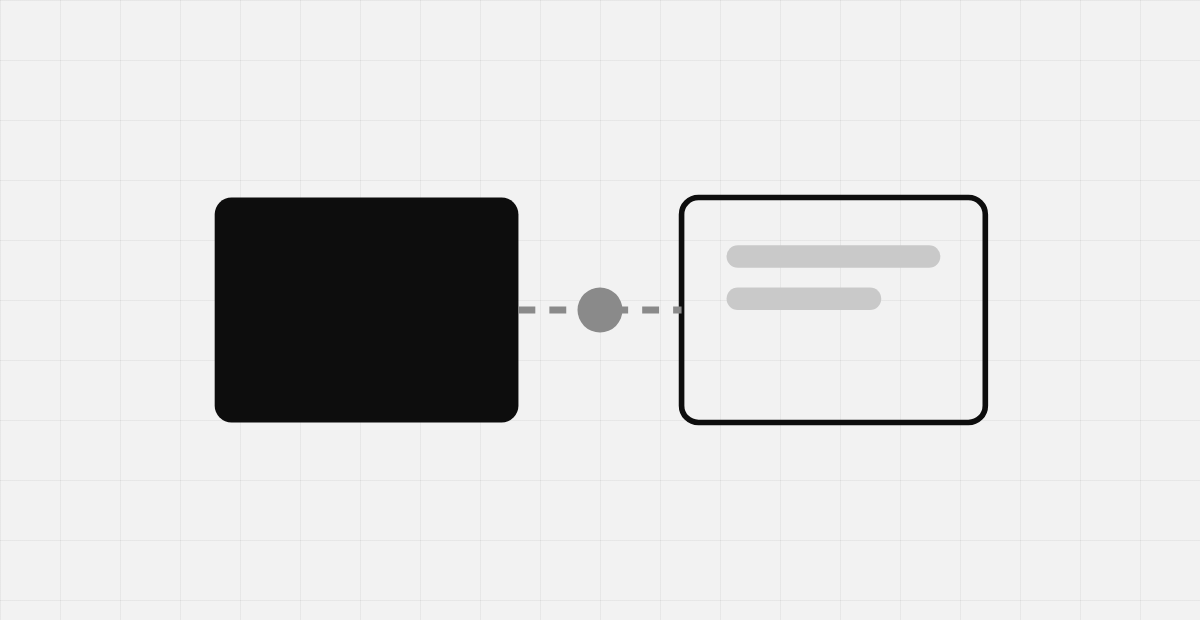
In traditional WordPress, the same application stores your content and renders your pages. In a headless setup, WordPress becomes a content API only — the front end is a separate application, usually Next.js or Nuxt, that fetches content over REST or GraphQL and renders it independently.
The honest comparison
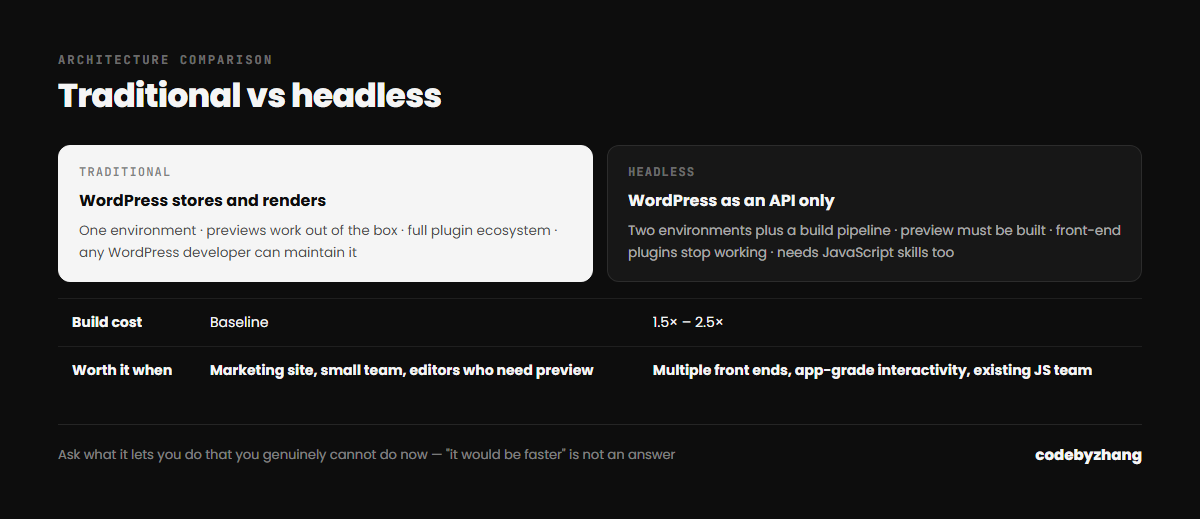
| Traditional | Headless | |
|---|---|---|
| Build cost | Baseline | Typically 1.5–2.5× |
| Hosting | One environment | Two, plus a build pipeline |
| Preview | Works out of the box | Needs building, and often stays awkward |
| Plugin ecosystem | Full | Anything touching the front end stops working |
| Editor experience | Familiar, WYSIWYG | Editors lose the direct link to the page |
| Peak performance ceiling | Good with care | Higher |
| Who can maintain it | Most WordPress developers | Needs JavaScript skills too |
When headless is the right call
- Multiple front ends from one content source. A website, a mobile app and in-store displays all reading the same content is the textbook case, and headless genuinely wins it.
- App-grade interactivity. If the product is a web application with content attached rather than a site with some interactive bits, build it as an application.
- You already have a JavaScript team. If React is your team’s daily language, headless plays to your strengths rather than against them.
- Extreme performance requirements at scale. Where milliseconds map directly to revenue and you have exhausted conventional optimisation.
When it is a mistake
- A marketing site. A well-built traditional WordPress site passes Core Web Vitals comfortably. You are paying a large premium for headroom you will not use.
- A small team. Headless roughly doubles the surface area to maintain. If one person looks after the site, that matters.
- Non-technical editors who need confident previewing. Preview is the single most common source of complaints after a headless migration.
- “Because it is modern.” Not a business reason. Architecture is a cost decision.
The middle ground people forget
Most of the performance benefit people want from headless is available without it: proper caching, a CDN, disciplined asset loading, and selectively adding modern interactivity to a traditional theme where it earns its place.
I would take a carefully built traditional WordPress site over a rushed headless one every time. The architecture is not what makes a site fast — the discipline is.
How to decide in one question
Ask: what will this let us do that we genuinely cannot do now? If the answer is a concrete capability — a mobile app sharing content, a product experience the template cannot express — headless may be right. If the answer is “it would be faster” or “it is what modern teams use”, you are buying complexity you do not need.
I build both, and I will tell you when traditional is the better commercial call. If you are weighing this up, send me the requirements.