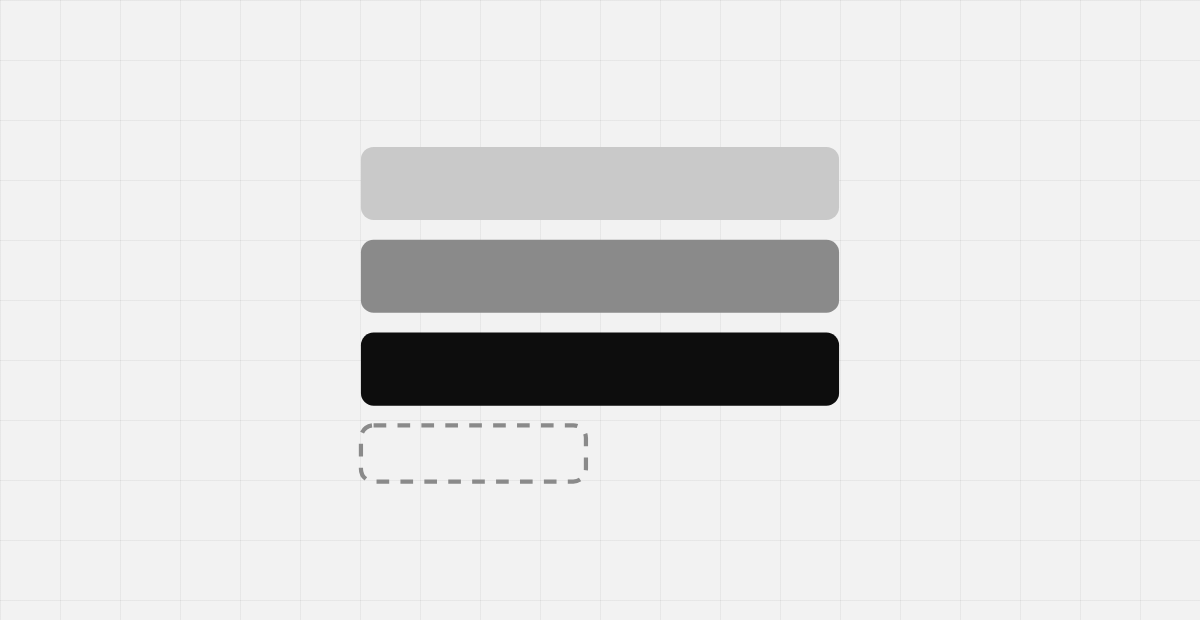
There are two ways to hand a client control of their pages. You can install a drag-and-drop page builder and accept whatever they produce. Or you can build a constrained set of sections with Advanced Custom Fields Flexible Content and keep the output predictable.
I have shipped the second approach on enterprise builds with 80+ layouts. Here is how it works and when it is worth it.
What Flexible Content actually is
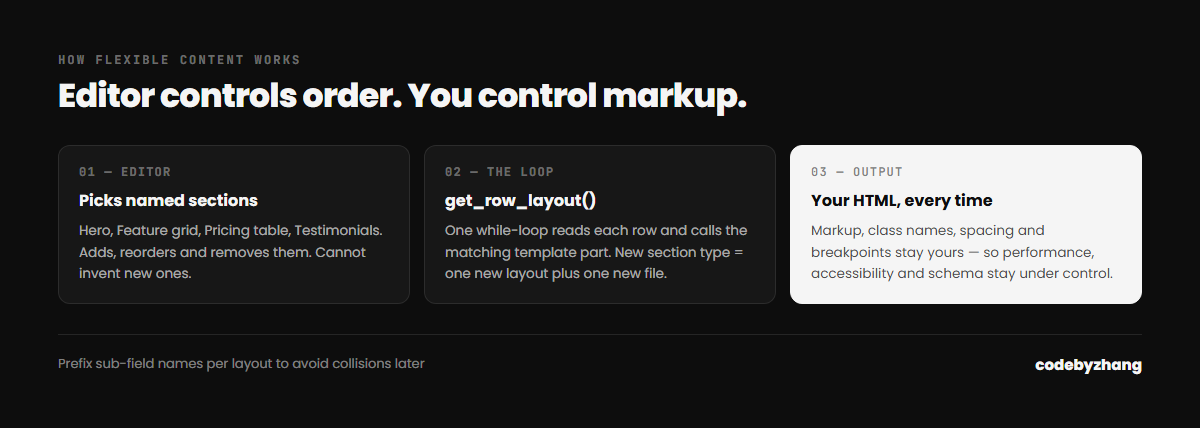
Flexible Content is an ACF field type that holds an ordered list of layouts. Each layout is a named group of sub-fields — a hero, a two-column text block, a pricing table, a logo strip. The editor adds the layouts they want, in the order they want, and fills in the fields. Your template loops through them and renders the matching markup.
The key difference from a page builder: you write the HTML. The editor controls content and order. They do not control markup, class names, spacing or breakpoints.
The basic loop
if ( have_rows('sections') ) {
    while ( have_rows('sections') ) { the_row();
        get_template_part( 'parts/section', get_row_layout() );
    }
}
One loop, and each layout lives in its own template part. A new section type is a new layout plus a new file. Nothing else changes.
Why clients prefer it
- They cannot break the design. Every section is pre-styled. There is no way to produce a page that looks wrong.
- It is faster to use. Choosing “Testimonials” from a list beats building a testimonial section out of rows and columns every time.
- Training takes minutes. The interface is a list of named sections, not a canvas.
Why developers prefer it
- The markup is yours. Performance, accessibility and structured data stay under your control.
- Redesigns are survivable. Content lives in structured fields, not in a blob of builder markup. Restyling a section is a CSS change, not a re-entry of every page.
- It is portable. Registering field groups in PHP means the whole builder ships with the theme, in version control, instead of living in the database.
Four mistakes to avoid
1. Sub-field name collisions
If two layouts both use a sub-field called title, mixing them on one page can produce surprising results in older ACF setups. Prefix sub-field names per layout — hero_title, pricing_title — from day one. Retrofitting this after a site has real content is genuinely painful.
2. Too many layouts
Eighty layouts is a lot to scroll through. Group them, name them for what the editor wants (“Team grid”, not “Repeater block C”), and delete anything used once.
3. No visual reference
Editors cannot pick from names alone. Add a preview thumbnail or a one-line description to each layout. This single change removes most support questions.
4. Making everything configurable
Every colour picker and spacing control you expose is a way for the site to drift off-brand, and a thing you must support forever. Expose the choices the client will genuinely make; hard-code the rest.
When not to use it
Flexible Content is overkill for a five-page site that changes twice a year — plain fields are simpler. It is also the wrong tool if the client genuinely needs free-form layout control, though in my experience that requirement usually disappears once they see a well-named section list.
You can see this approach running on several of the builds on my portfolio. If you want a CMS your team can actually operate, tell me what you need.